InsideRx: AI Integration in Bricks Create
February 26, 2026
Jeff Downing, Senior Director of Product at ScholarRx
Take a first-hand look at the latest enhancements and features from ScholarRx.
During this webinar, our Senior Director of Product guides you through a demonstration of our newest Bricks Create features, including:
- Generating Questions and Flashcards
- Automating Learning Objectives and Summaries
If you’re looking to discover how AI can streamline your curriculum development, you’ve found the right recording.
Explore More Webinars
-
ScholarRx Office Hours: Engaging Students Through Assessment with Qmax Discover how to make the most of ScholarRx’s assessment tools in this hands-on Office Hours session led by Nikki Dalton. Learn how to find relevant Qmax questions, organize and collaborate on question pools, create and assign assessments, and track student learning.…
-
Discover how to turn educational content into engaging, active learning experiences with Rx Bricks. In this hands-on ScholarRx Office Hours session, Nikki Dalton demonstrates how faculty can find, share, customize, and create Bricks to support their teaching. Learn how to organize content using Brick Lists, adapt existing Bricks to meet course objectives, and use TAI (Teaching with AI) to streamline content creation. The session also explores practical ways to increase student engagement, support flipped classrooms, and save faculty time.
-
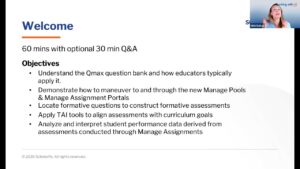
Explore practical Qmax workflows for building, managing, and analyzing formative assessments, including faculty tools, assessment insights, and TAI-assisted question creation.